New Capabilities to Prevent Misconfigurations in API Management

A single missing line in your API policy can silently disable critical security layers without you noticing. Microsoft just introduced a small but powerful update in Azure API Management that helps you catch and prevent exactly that. Here’s what it does and why it matters.
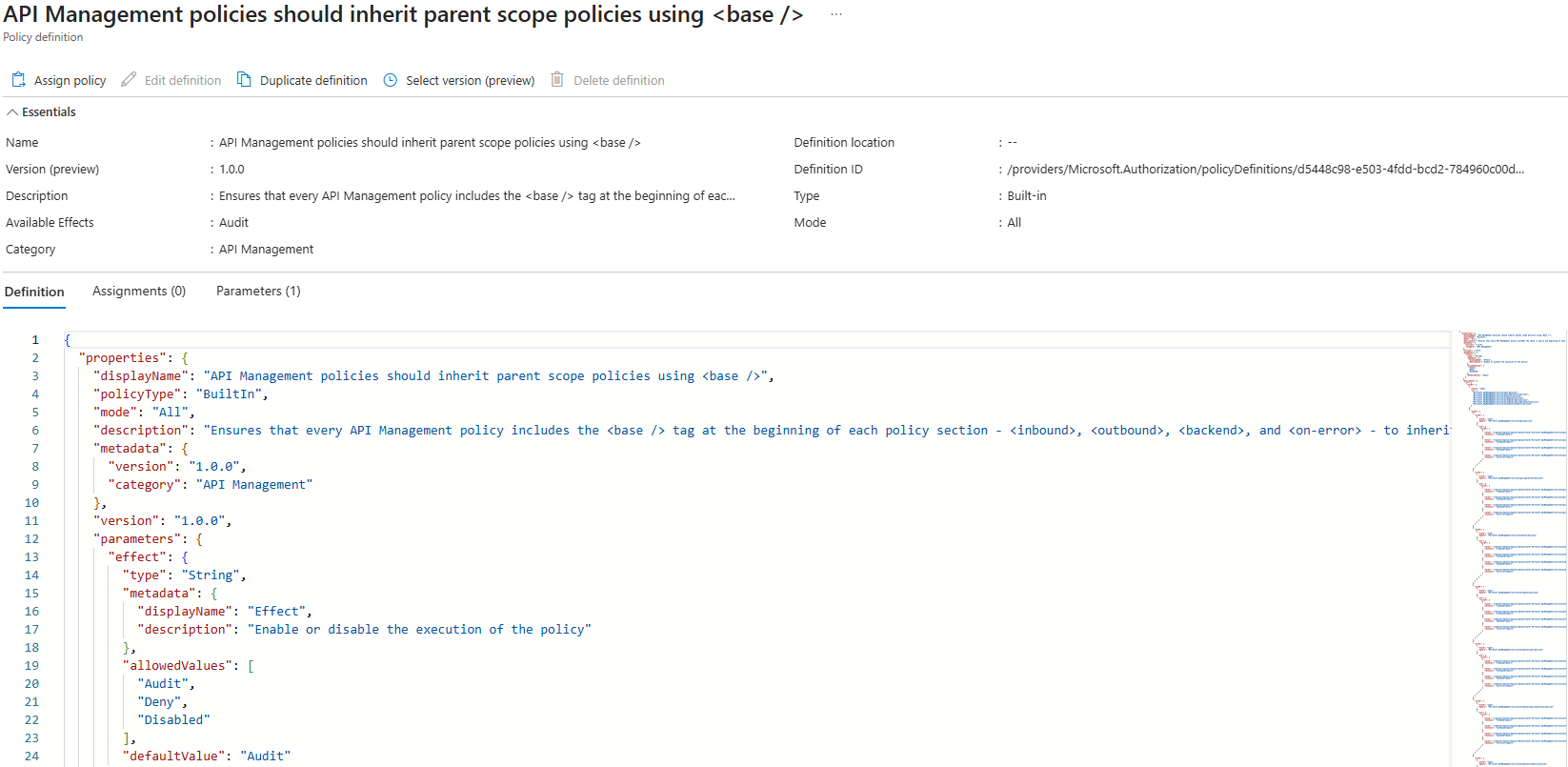
Microsoft just introduced a small but important feature in API Management that can prevent serious misconfigurations. It’s one that could prevent some of the most common security misconfigurations I’ve seen when working with customers.
In Azure API Management, policies can be applied at different scopes: global, product, API, or operation level. You can think of them as layers, and the glue that ties it all together is the <base /> tag. This tag is what allows policies defined at a higher level (like a product-level auth policy or a global logging policy) to be inherited by lower levels. Without it, the policy stops inheriting anything from above.
And that’s where things can go wrong. It means your API could go live without any of the controls you thought were in place.
Why inheritance matters
Policy inheritance in APIM is based on a simple principle: the <base /> tag tells the policy engine to apply everything defined at higher scopes before running the local policy. Without it, you’re effectively opting out of the shared rules.
I’ve seen this happen more than once, someone removes the base tag, maybe while testing something, or maybe because the docs didn’t make it clear, and suddenly the API is running wide open. From the outside, it looks fine. From a security perspective, it’s not.
It’s a small mistake with big consequences. And until now, there’s been no native way to detect or block it.
What’s new
Microsoft has now added a built-in Azure Policy that lets you enforce or audit this inheritance behavior. You can use it to:
-
Audit where
<base />is missing from your policy XML -
Deny any changes that attempt to skip it
This applies to global, product, API, and even operation-level policies. And that’s the key, you can now be confident that your security rules are being enforced, not just assumed.
The policy is called: API Management policies should inherit parent scope policies using <base />
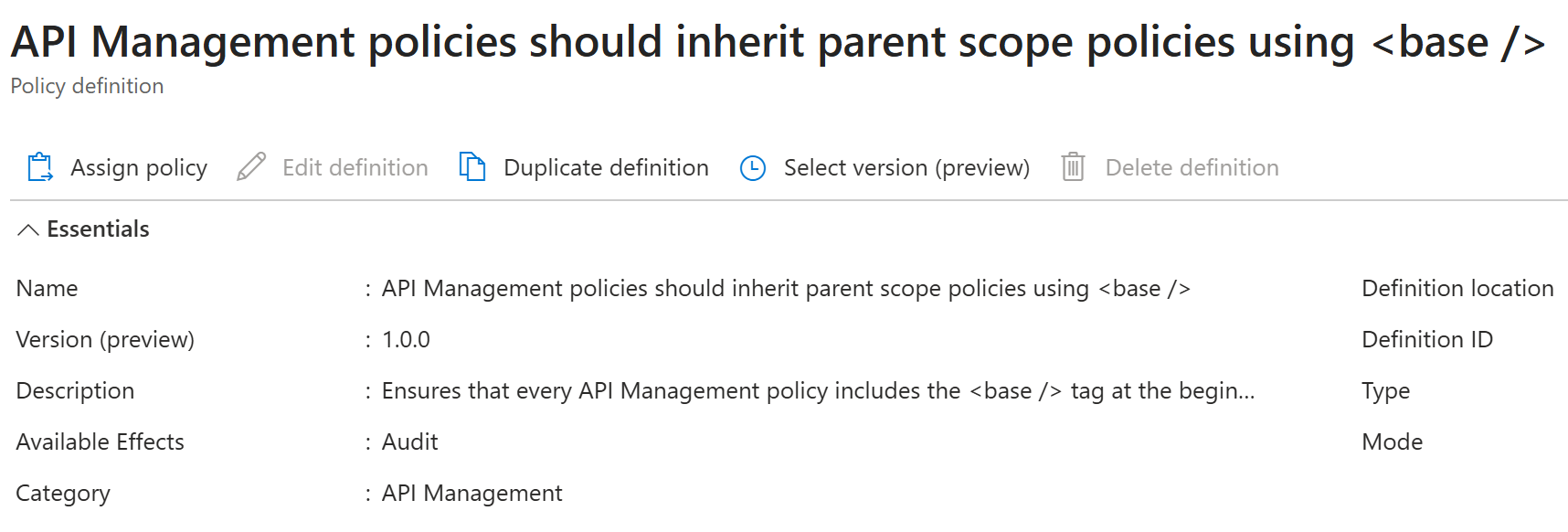
Where and how to apply this policy
You can assign this policy like any other Azure Policy, through the portal, CLI, Bicep, or ARM, but where you assign it makes a big difference.
My take? Assign it as high up in the hierarchy as possible, ideally at the management group or subscription level. That way, you ensure the policy covers every existing and future APIM instance, reducing the risk of misconfigurations if someone spins up a new environment without the right governance controls.
To get started:
-
Go to Azure Policy in the Azure portal.
-
In the left-hand menu, select Definitions and search for
“API Management policies should inherit parent scope policies using <base />”. -
Open the policy and click Assign.
-
Choose your assignment scope, select whether you want to Audit or Deny, and configure any other required settings.
Why I like this
This might seem like a small thing, but it solves a real issue in large-scale API environments. When your team grows, your APIs multiply, and your security controls are defined in layers, the last thing you want is a single policy missing a line of XML that silently breaks the chain of inheritance.
Security misconfigurations are rarely intentional. They often come from people trying to solve other problems, fixing a bug, changing a timeout, updating a policy quickly without understanding the full impact. The ability to audit or deny missing inheritance is one more tool to help make sure your architecture behaves the way it’s designed to.
It also helps bridge the gap between governance and development. Instead of relying on reviews or documentation to remind people what should happen, you can enforce it directly through code and policy.
This is a great addition to the toolbox if you’re serious about building secure, scalable API platforms in Azure.
In short: don’t just fix existing issues, prevent new ones from happening.
Dela detta inlägg

Fler inlägg att sätta tänderna i

Template-bibliotek för integration i Azure – så jobbar Contica

Azure Functions eller Logic Apps? AI förändrar avvägningen

The “Quick Task” Trap and How Logic Apps agent loop Kills It
